


How to Find Your Mobile Legends User ID and Zone ID
To top up Mobile Legends: Bang Bang you only need two numbers: your User ID and your Zone ID. Both are on your profile, and finding them takes about ten seconds.
Where to find them in the game
- Open Mobile Legends and wait for the main lobby to load.
- Tap your avatar (your profile picture) in the top-left corner of the screen.
- Look under your nickname. You will see a number followed by a second, shorter number in brackets.
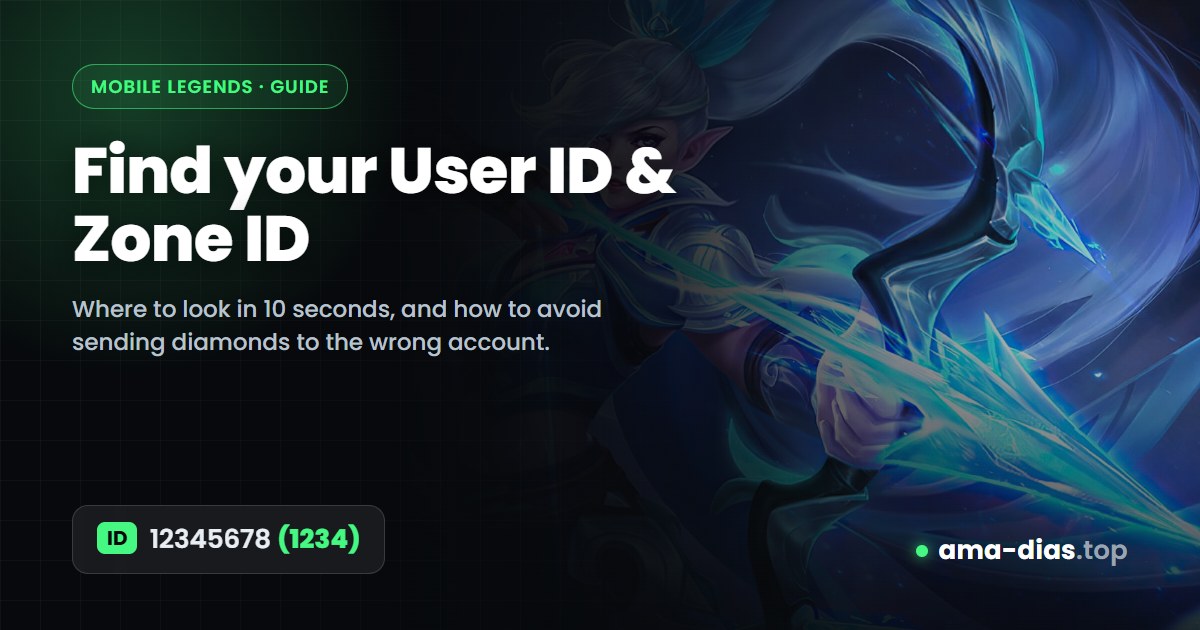
The first number is your User ID. The number in brackets is your Zone ID. On ama-dias the form calls them Player ID and Server ID: they are the same thing.
Type only the digits. Leave out the brackets and any spaces: enter 12345678 as the Player ID and 1234 as the Server ID.
Check the account before you pay
On the Mobile Legends page, enter both numbers and tap Validate ID. We look the account up with the game and show you its nickname. If the nickname is yours, you are good to go. If it is not, one of the numbers is wrong.
Want to check without starting an order? Use the free Player ID checker.
Diamonds sent to the wrong account cannot be taken back, not by us and not by Moonton. Always make sure the nickname matches before you pay.
Common mistakes
| Mistake | What happens | Fix |
|---|---|---|
| Typing your nickname instead of the number | The ID is not found | Use the digits under your name |
| Swapping the two numbers | Not found, or a different player | The longer number is the User ID |
| Including the brackets | The form rejects it | Enter 1234, not (1234) |
| Using an old screenshot of a friend's ID | Diamonds go to the wrong account | Ask them to re-check their profile |
Quick answers
Is the Zone ID the same as the Server ID?
Yes. Different top-up sites use different names for the number in brackets. On ama-dias it is labelled Server ID.
Can I top up a friend's account?
Yes. Enter your friend's User ID and Zone ID, validate, and check that their nickname appears before you pay.
Do you need my password or login?
Never. A top-up only needs your User ID and Zone ID. If anyone asks for your password or a login code, it is not us.
Got your IDs? Top up in under a minute.
Top up Mobile Legends